Catch it while it is still happening.
Say what your child did before the day moves on. Nothing you noticed is lost. It all counts toward the record.
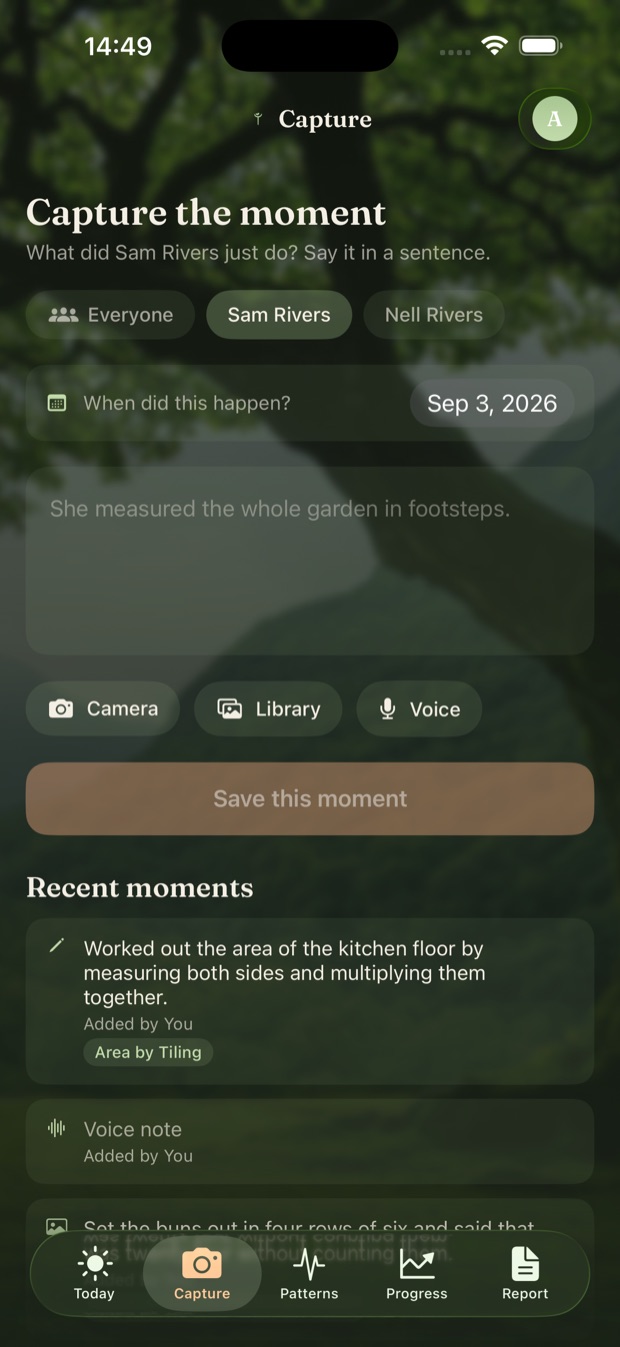
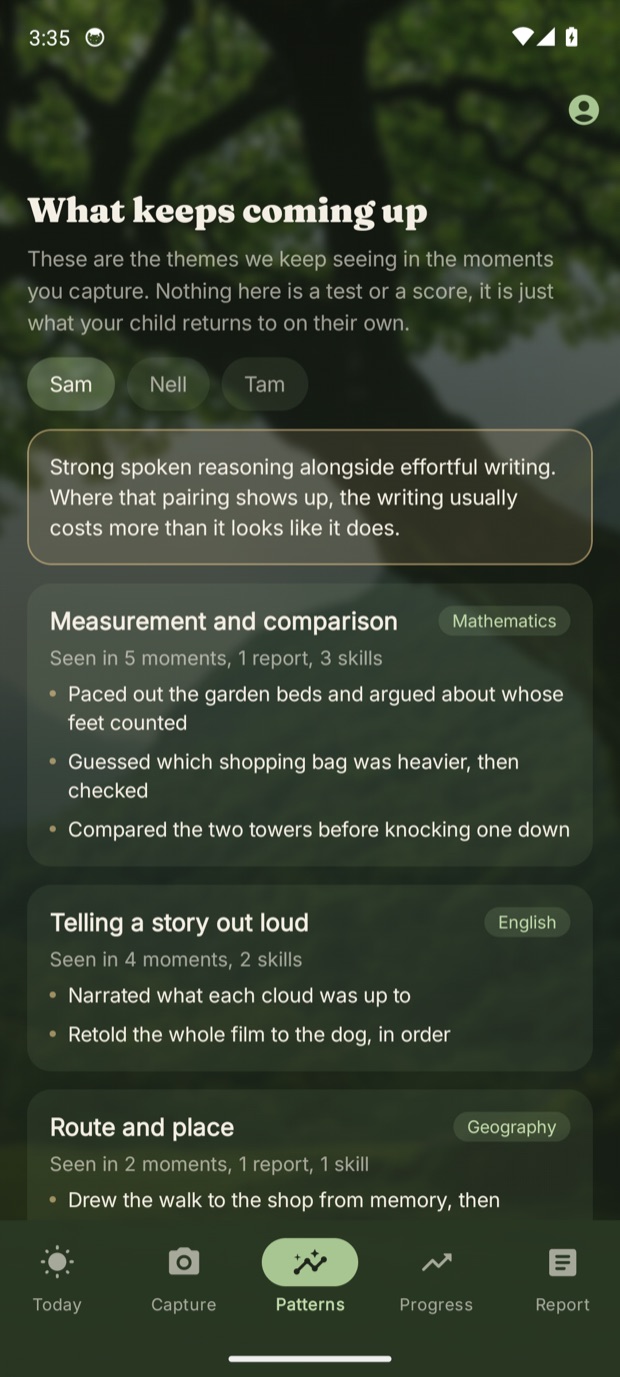
A child takes the lawnmower apart, or counts out the forks. You say so in a sentence. The tool finds the learning in it, you confirm it, and it is matched to the outcomes your region's curriculum sets for that age. Your child never has to touch it. Because you were the one who noticed, you see more of what they are going through and learning. That is presence. It used to be the school's job.
Say what your child did before the day moves on. Nothing you noticed is lost. It all counts toward the record.
One child or all of them, one month or years, and the patterns you can only see from this far back.
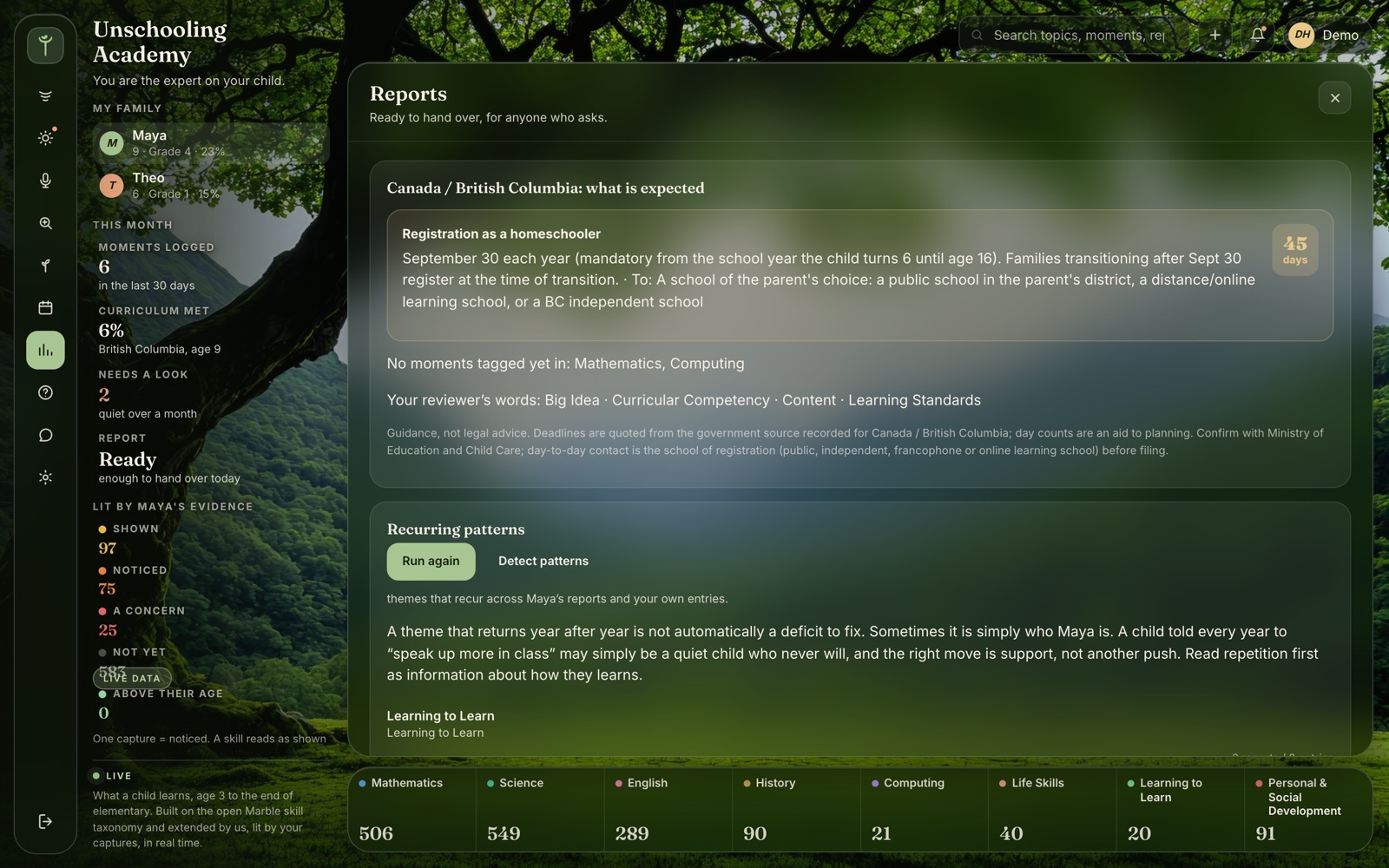
Built from what you noticed, in the words a reviewer expects, for the day a school or a relative asks.
On your phone
A sentence, a photo or a few seconds of your voice, the moment it happens. The tool finds the learning in what you saw and matches it to the outcomes in your region's curriculum. Over the months it shows you what your child keeps coming back to, and what you might have missed. The same tool, on iPhone and on Android. Every screen below shows demonstration families, not real ones.
On the desktop
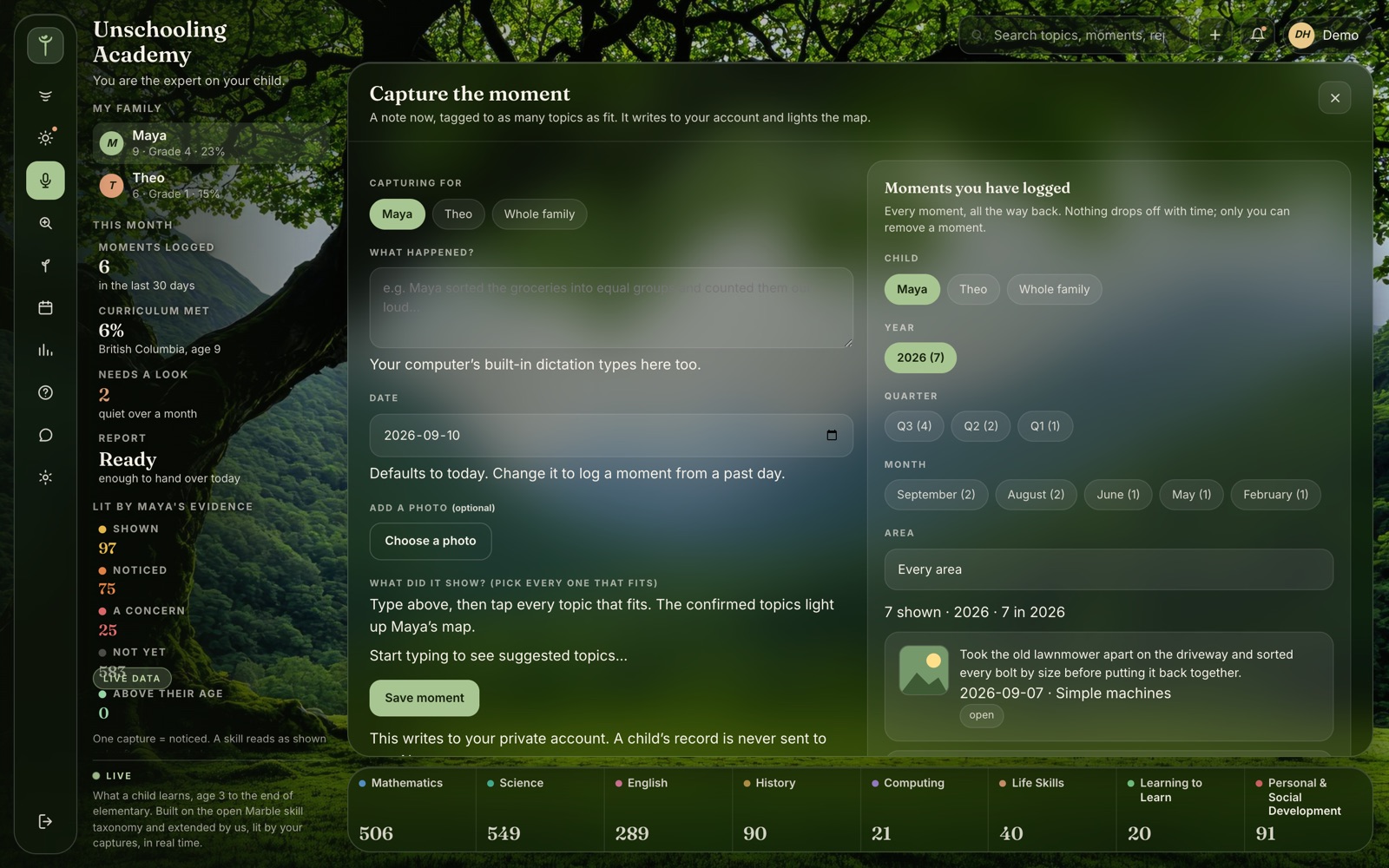
This is where you sit down and look at the whole of it: one child or all of them, one month or every year so far. The patterns a busy week hides show up from here. And when something keeps being hard, name it: the tool traces the earlier skills it builds on and shows which of those you have not yet seen. Start there, not at the struggle.
The report
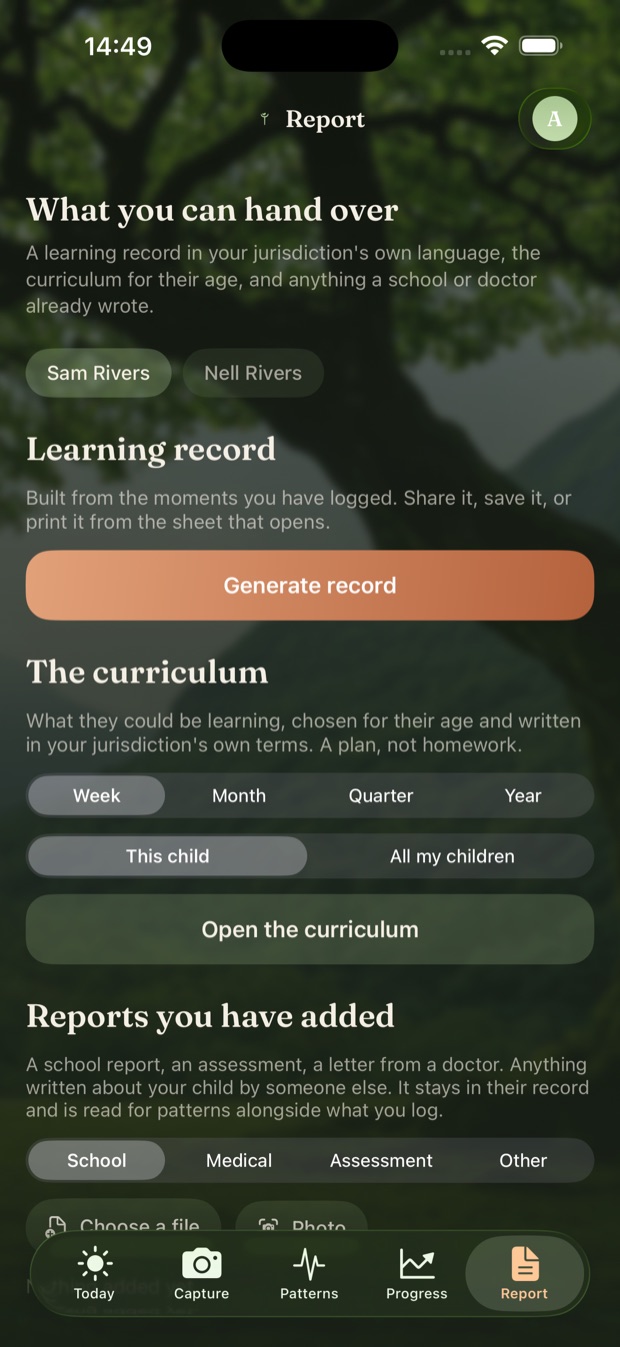
Every report here is built from moments you saw, matched to the outcomes in your region's curriculum, and written in plain language a reviewer can file. Bring the reports you already have, too, from your desktop for now. Side by side, year over year, they show what keeps coming up, and which advice has been repeated term after term without ever becoming a plan. Whether a report meets what a particular school or authority asks for is their decision. The tool records what you saw; it does not certify it.
Who it was built for
We believe every child learns best interest first, in their own time and space. This tool was built for families who already know that, and for the ones finding it out. Nothing here decides anything about your child, or labels them. It shows you what you saw, year over year, so you can see what keeps coming up for what it is: a skill still being built, or simply who they are. What to do next stays your call.